How PTOs Track Fun Run Donations
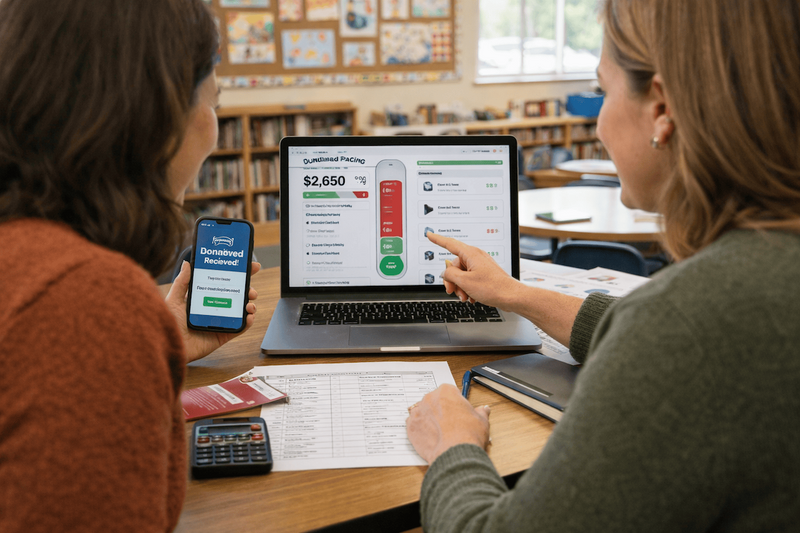
Accept online donations, keep checkout friction low, and use real-time progress tracking so organizers and families can see momentum during the fundraiser.
Start here
Donation tracking should make the fundraiser easier to run, not create more work for parents.
The system you choose needs to solve three problems:
- Accept donations from anywhere
- Match donations to the correct student or class
- Show progress clearly during the fundraiser
If any one of those breaks down, the fundraiser becomes a time sink.
Accept online donations
Yes, it is absolutely worth accepting donations online.
Most online platforms charge processing fees. That can make parent groups nervous at first.
In practice, the wider reach more than makes up for it.
Online giving allows:
- grandparents to donate
- relatives in other states to participate
- quick donations from phones
- fewer envelopes and checks to process
Many schools discover that a meaningful portion of donations comes from outside their local area once online giving is available.
The result is a wider donor pool with very little administrative overhead.
Platforms with no platform fees
Some fundraising platforms advertise no platform fees, including:
- GiveButter
- Zeffy
These tools can work well for schools trying to minimize costs.
Keep in mind that payment processing still exists somewhere in the system. Many of these platforms rely on optional donor tips or other funding models to remain free.
Regardless of the platform you choose, the most important factor is simplicity. Donors should be able to give quickly without confusion.
Make it easy for donors to support students
Donors should never need a complicated process to support a student.
Grandparents and family friends often hear about the fundraiser through parents or students. The easier you make the process, the more likely they are to donate.
Many fundraising platforms allow donors to search for a student by name and give directly.
That approach is convenient, but it also means student names are publicly searchable on the internet.
Some parent groups are comfortable with that. Others are not.
Personally, I am very protective of my kids’ personal information. I don’t like the idea of student names being searchable online. I build Big Nest to allow donors to enter a name and all the matching happens behind the scenes, without exposing student information publicly.
Use a student roster to avoid manual matching
Matching donations to students can quickly become the most frustrating part of the fundraiser.
Many groups start by accepting donations through tools like PayPal or Venmo. That sounds simple, but it often creates a lot of manual work.
You end up scrolling through payment notes trying to figure out which student the donation belongs to.
Student-focused fundraising tools avoid this problem by letting you upload a student roster before the fundraiser begins.
When a donation comes in, the system automatically connects the gift to the correct student or classroom.
Platforms that support student rosters include:
- PledgeStar
- 99Pledges
- Booster
- Big Nest
This single feature can save hours of work.
Track progress in real time
One of the most motivating parts of a fundraiser is watching the progress grow.
Most platforms provide a fundraising thermometer that updates automatically as donations arrive.
People love to see that thermometer move.
Students get excited when they see the goal getting closer. Parents feel encouraged to participate. And organizers get a clear picture of where the fundraiser stands before the final day.
Real-time tracking helps you answer important questions quickly:
- Are we on pace to reach our goal?
- Do certain classrooms need a reminder?
- Should we make one more announcement before the fundraiser ends?
When progress is visible, momentum builds naturally.
The funny thing is, the closer to your goal, the more donations you’ll bring in. People intuitively want to be part of a successful fundraiser. In 2025, my youngest daughter’s fundraiser brought in $2,000 after the fundraiser had officially ended. But having that thermometer visible is key.
Donation tracking checklist
Before your fundraiser begins:
- Test the donation flow on a phone. (Many platforms are still built primarily for a desktop experience.)
- Confirm the student roster is uploaded correctly.
- Run one test donation and confirm donation matching works.
- Confirm the progress thermometer updates correctly.
If those pieces are in place, donation tracking becomes routine instead of stressful.
Then continue to How to Run a School Fun Run.