How to Update PTO or PTG Bylaws
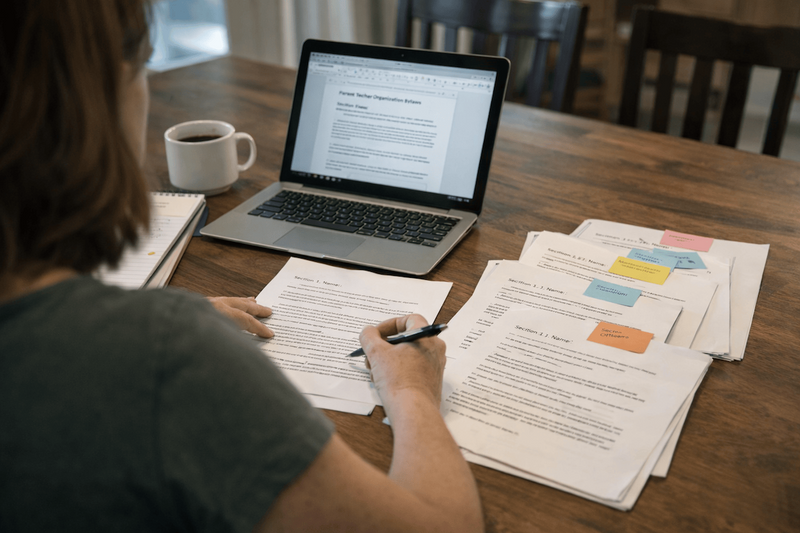
Updating PTO or PTG bylaws is routine governance. Draft changes in one document, open a review window, summarize what changed in plain language, vote with proper notice and quorum, then store the signed copy where next year’s board can find it.
Start here
Updating bylaws is a normal part of running a parent group.
Roles change. Fundraising grows. New programs start. Eventually the written rules no longer match how the group actually operates.
The goal is simple: make sure your bylaws reflect how your PTO or PTG really works.
Use this page with:
If you need a starting document, generate one with the Free Bylaws Builder.
A tradition some schools use
Some parent groups review bylaws at the first meeting of the school year.
Members read the document together, propose updates, and vote on the changes.
This works well because the group spends the rest of the year operating under rules everyone agreed to in August.
It also ensures the bylaws reflect the priorities for that specific school year.
The 5-step update process
- Draft the changes in one document
Keep edits in a single file so everyone reviews the same version.
- Open a review window
Give members time to read the draft and suggest changes. Seven days is the minimum. Two weeks is better.
- Publish a short change summary
Explain what changed and why. Most people will read the summary first and then the document.
- Vote with proper notice and quorum
Confirm the notice requirement and quorum rules before calling the vote. See How to Choose a Quorum.
- Store final records
After adoption, save:
- signed bylaws PDF
- meeting minutes showing the vote
- the change summary
Store them where next year’s officers can find them.
How to collect feedback without creating chaos
Google Docs works well for drafting bylaws.
I recommend this workflow:
Executive board review
Use Google Docs comments so board members can suggest edits directly in the document.
Community feedback
Ask members to email suggestions instead of commenting in the document.
If dozens of people comment directly in the Google Doc, the thread becomes hard to manage. Collecting suggestions by email keeps the document clean and easier to review.
Example timeline from a real PTO bylaws update
This timeline is based on the process I used when updating bylaws at my kids’ school.
Two weeks before the vote
The draft bylaws were shared with the community along with a summary of proposed changes.
Parents had about two weeks to read the document and suggest edits.
During the review window
The executive board reviewed suggestions and updated the draft.
Final reminder
A reminder email went out shortly before the vote explaining:
- when feedback closed
- when the vote would happen
- where to find the final draft
Vote meeting
Members voted on the updated bylaws at the next scheduled meeting.
This process worked well because everyone had time to read the document before the vote.
How to summarize changes so people can scan quickly
Your summary should include:
- Section changed (article or heading)
- Old rule in one sentence
- New rule in one sentence
- Why it changed
- Effective date
Most members will read the summary first and only open the full bylaws if they want more detail.
Common mistakes
- Sharing the edits for the first time at the vote meeting.
- Bundling many changes into a single motion with no explanation.
- Adopting updates but failing to store the signed bylaws where the next board can find them.
For common bylaws questions, see the Bylaws FAQ.